
Get your tasks done when you need them done. Book trusted service providers in Okinawa.


Reviews
Miriam R.
Okinawa, Ginowan
Excellent service! They helped me bring a new living room set I bought to my house. They are very careful with the furniture and quick with the delivery! They are also very friendly people. I would definitely hire them again in the future.
Manuela S.
Okinawa, Yomitan
Excelente service, they helped me find a local plumber to set up a new water filter in our kitchen, cause the american filter we had installed on our own was not matching and was malfunctioning. Everything works great now!
Dawn R.
Okinawa, Yomitan
I highly recommend this mover. I needed a large, heavy, wooden dresser moved. They quickly responded to my request and delivered my furniture the same day in pouring rain for a reasonable price. Great friendly service.
Armani D.
Okinawa, Okinawa city
Kudos to the team for their prompt and cost-effective service! The customer support was the cherry on top excellent!
Alex A.
Okinawa, Uruma
I had some wallpapering completed last week, and I was really happy with the results. Working with this organization was a great experience, and I’m excited for the next project.
さくら エ.
Okinawa, 那覇
エアコンの移設をお願いしましたが、とても丁寧で迅速に対応していただきました。作業もスムーズで、仕上がりも大満足です!スタッフの方も親切で安心してお任せできました。また機会があればぜひお願いしたいです。ありがとうございました!
Recommended Categories
How to Use YuiTasu
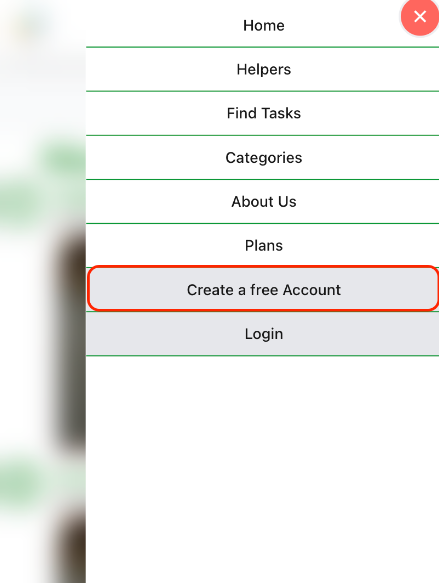
Click on the create a new account button in the menu
Open the menu and click the 'Create a free Account' or click the 'Create a free Account' button in the top right corner.
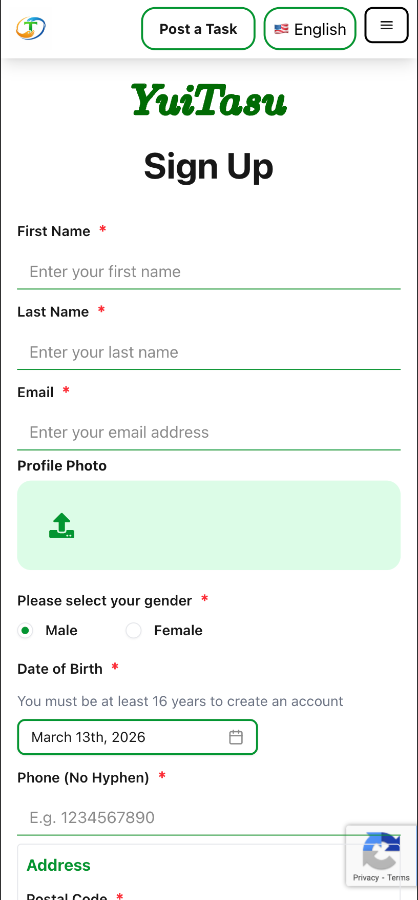
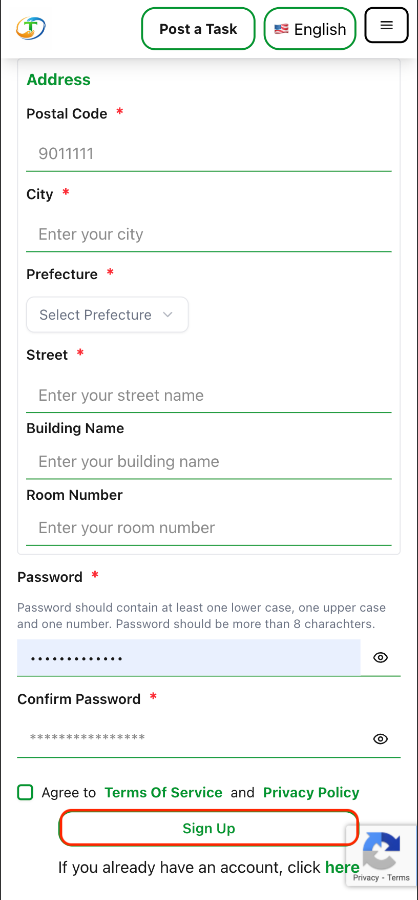
Fill the form and submit
Fill the form and Submit the form , wait till you get redirected to the confirmation code entry page.
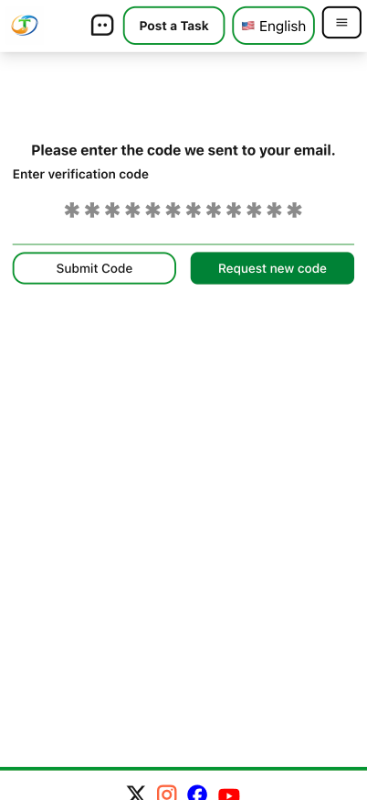
Verify your email
Enter the email confirmation code you receive in your email.
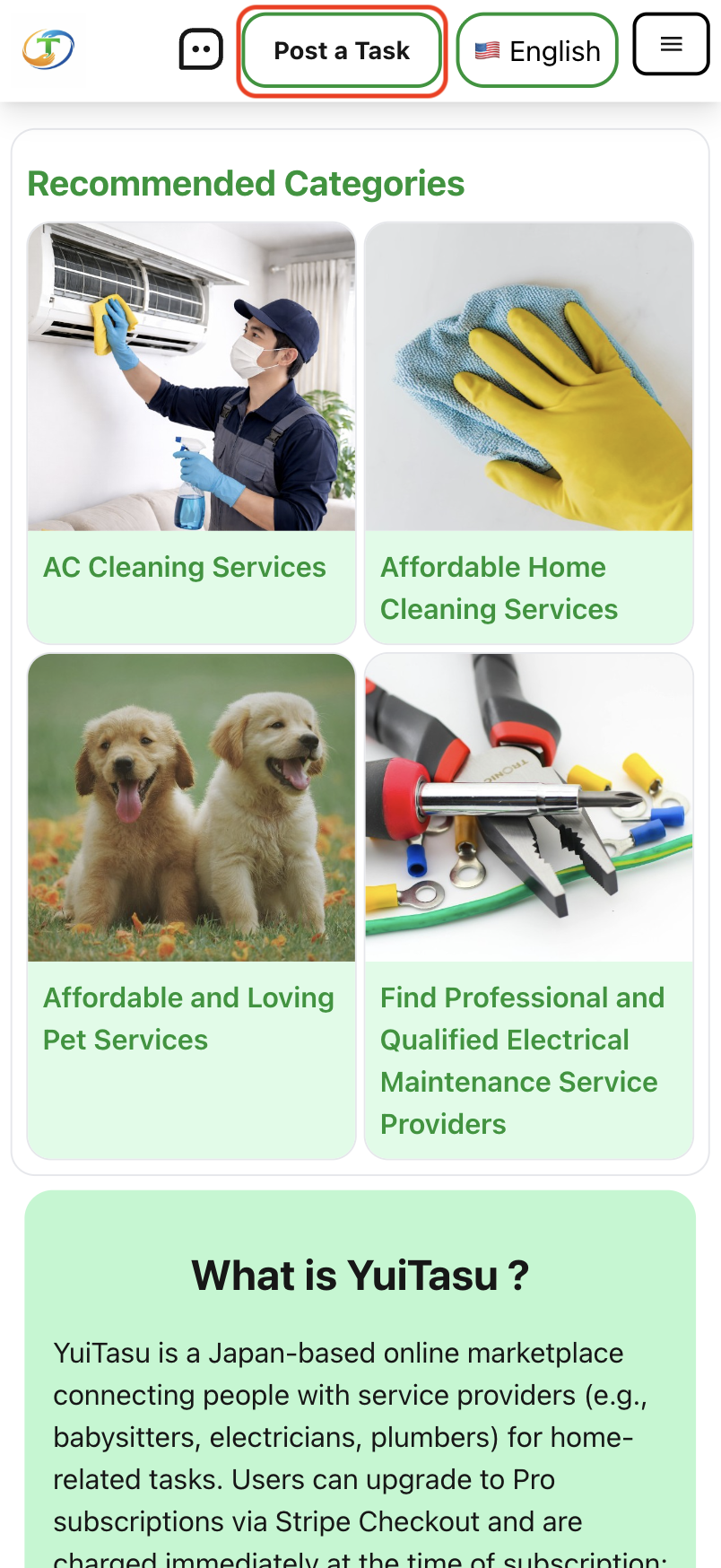
Navigate to create the create new task page
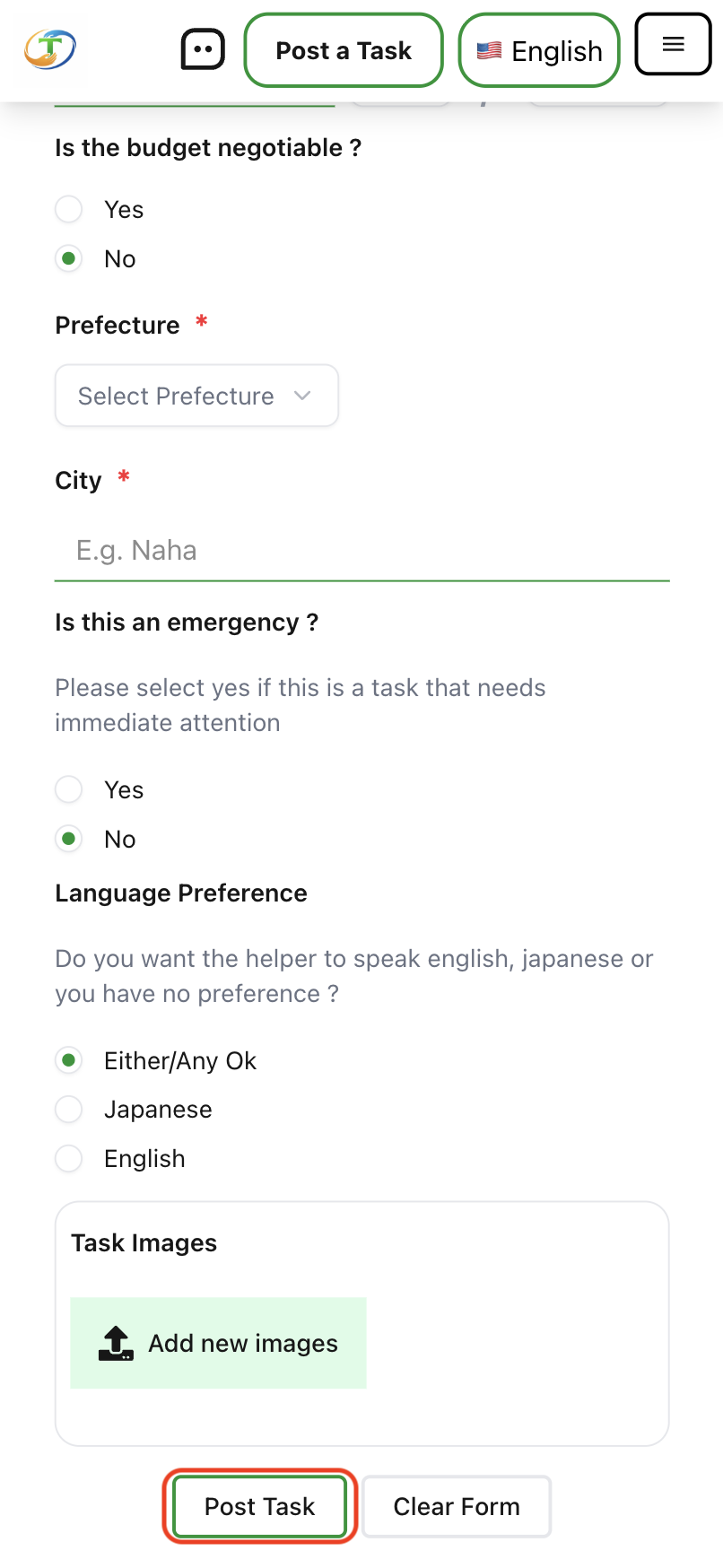
Click on the 'Post a task' button in the top navigation to go to the 'create a post' form.
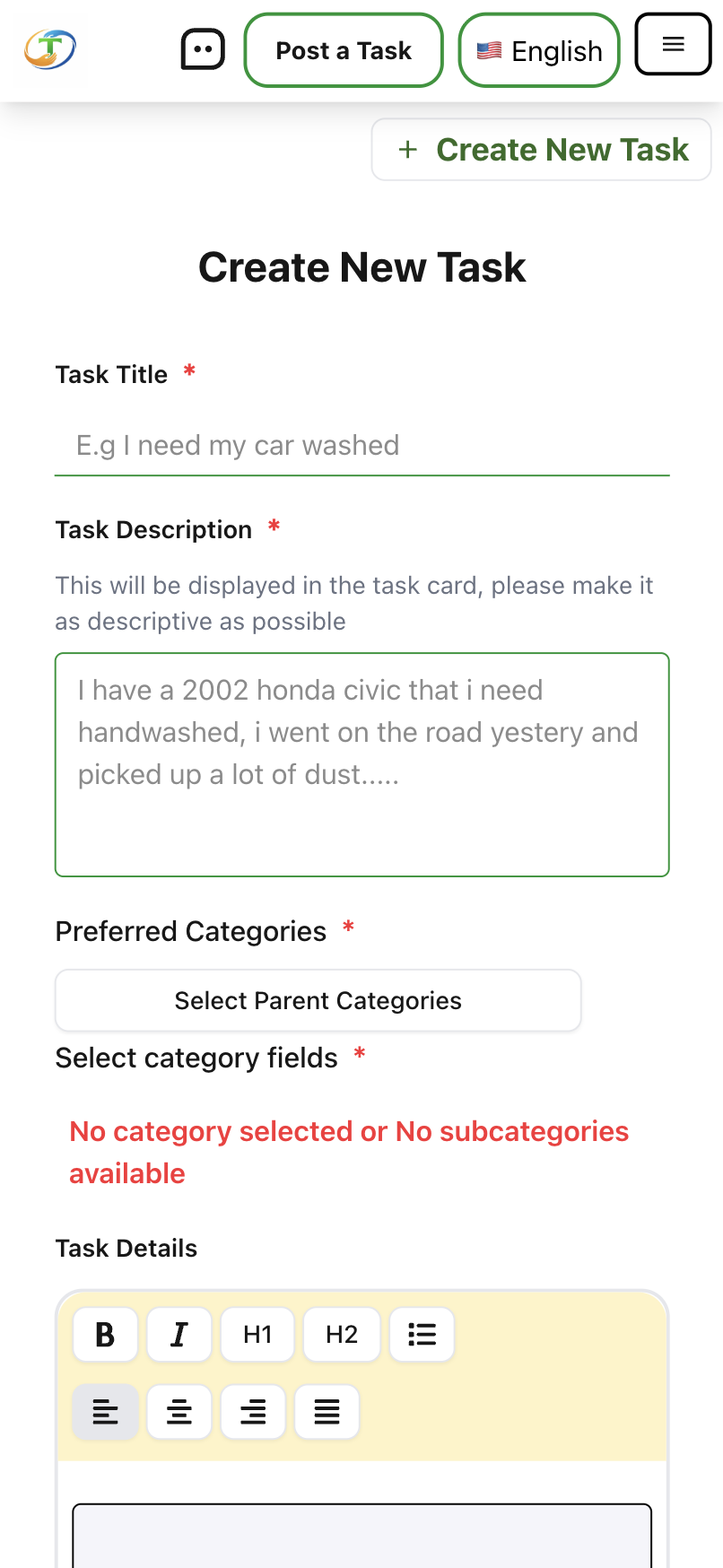
Fill the form and submit
Fill the post a task form and submit to make your task available to helpers and service providers.
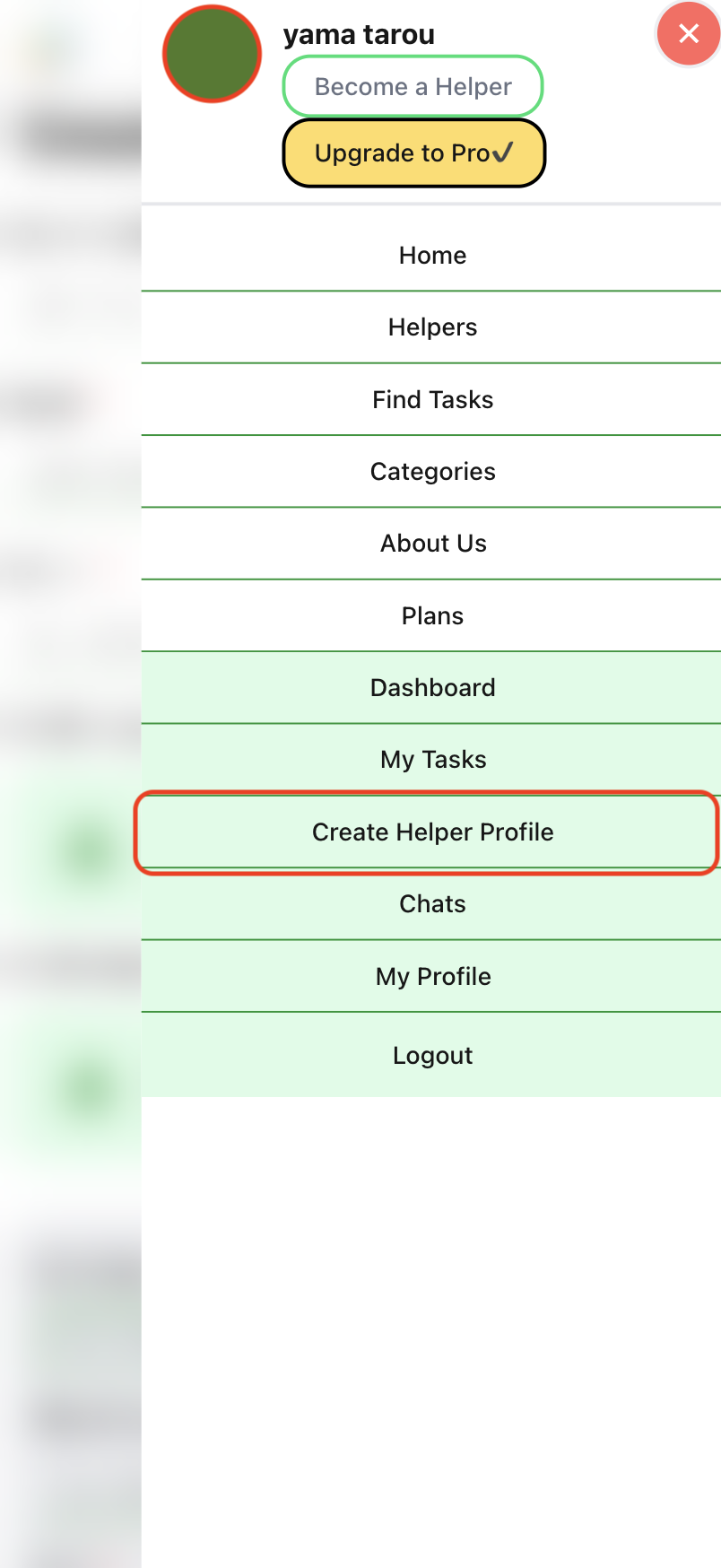
Navigate to create the service or helper account page
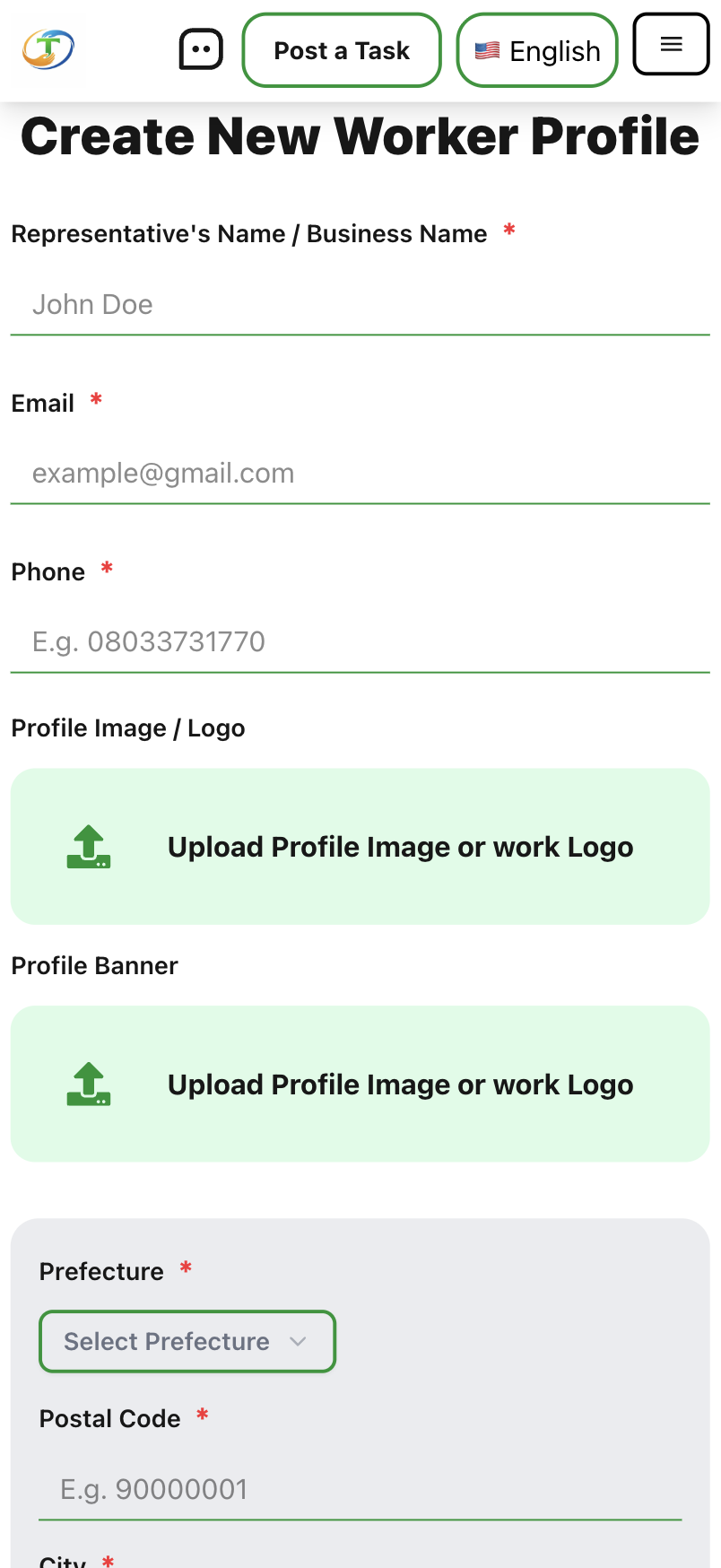
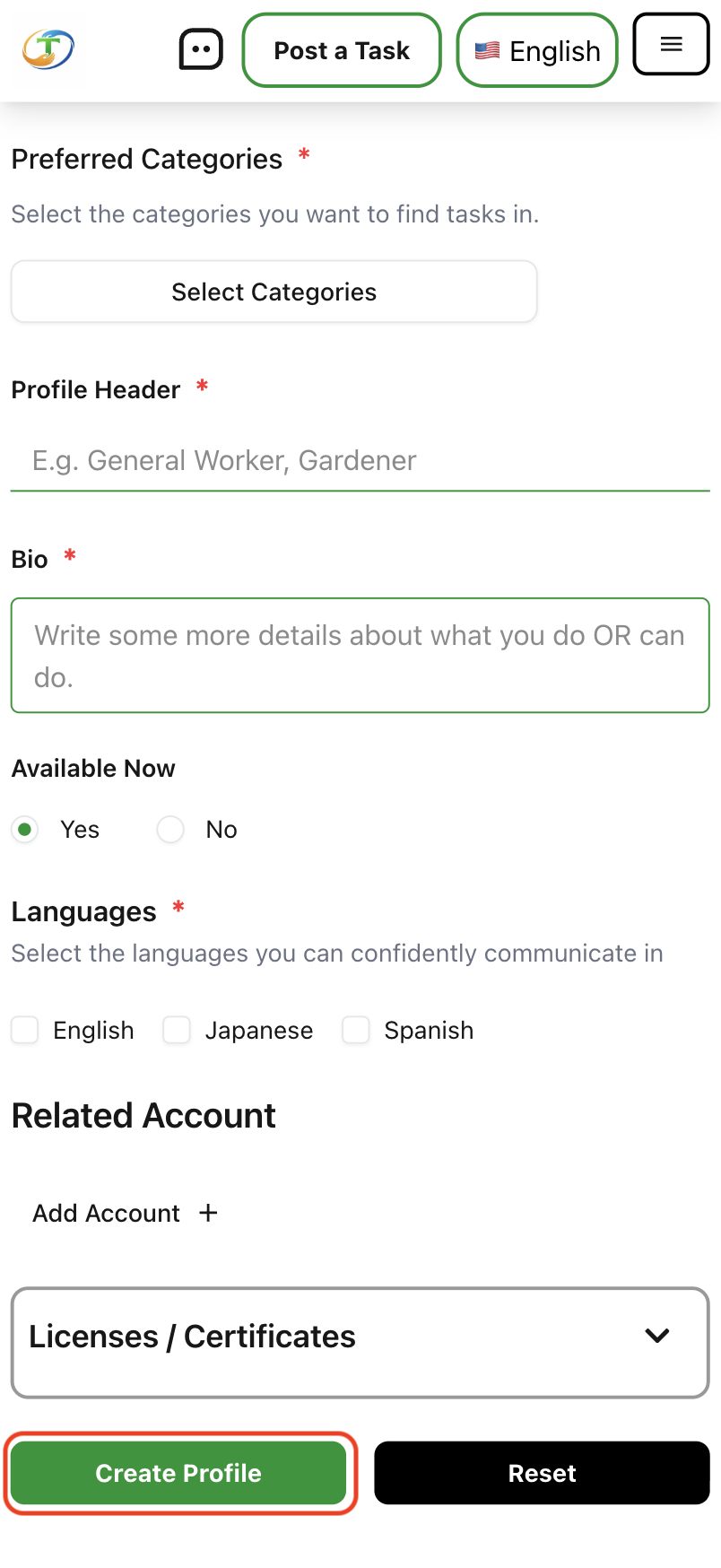
Open your menu and tap the 'Create Helper Profile' button.
Fill in your helper or business details
Fill in your business details if you are a have a business or just use your preferred helper indentification detials to make it easy for people to find you.